HeyBMO vs separate notes, list and budget apps
An honest look at one AI-connected organizer against a stack of single apps, including where the single apps win.
Updated November 13, 2026.






Eight appsEight sign-ins and eight places to check

HeyBMOOne AI-connected personal organizer

Separate apps, each in its own cornerOne place, your AI connected
Each app keeps its own corner. Notes in one, tasks in another, money in a third, and your assistant reaches only the ones that offer it.
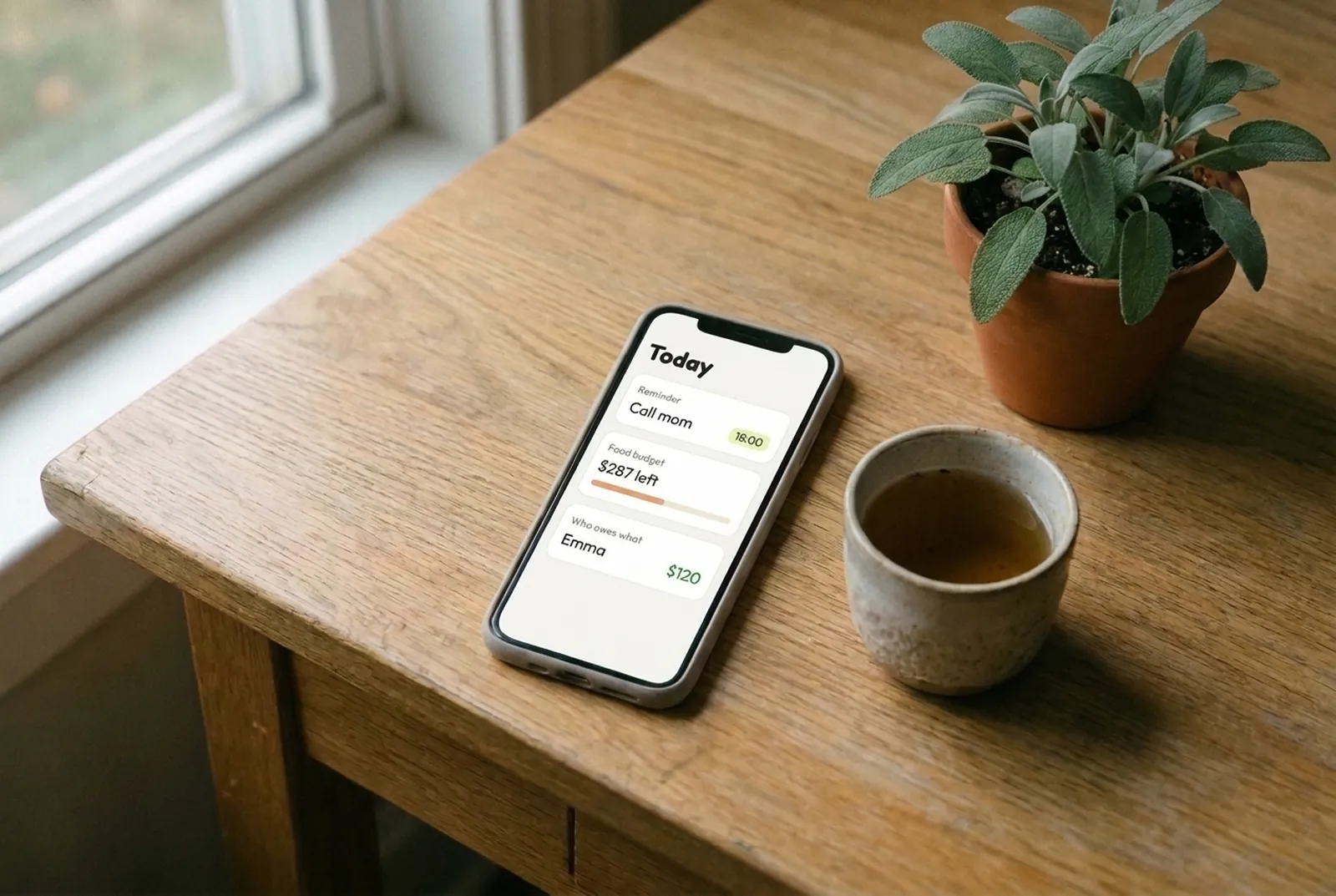
HeyBMO keeps them together. Switch on the tools you need; one connection lets Claude or ChatGPT reach all of them.
Side by side
HeyBMOSeparate appsOne account, one app
one place to checkOften 4 or 5 apps
One connection, every tool
one connectionOnly apps with MCP, one each
Tools work together on Today
no copyingCopy between apps by hand
Covers what most people use
Specialists go deeper, like bank sync
deeper in one jobFree plan; Plus $8 a month
Free tiers, or paid per app
depends: can cost less or more
Export or delete any time
Depends on each app
A specialist app can go deeper in its one job. But every extra app is another place to check and another thing to keep up to date. If you get distracted easily, one place with only the tools you need is easier to live with.
Choose HeyBMO if
You want money, plans, documents and tasks in one place, and you want Claude or ChatGPT to keep them up to date.
Keep a specialist app if
You need one deep feature HeyBMO does not have, such as bank sync. Use HeyBMO for the rest.
Try both for a week: The Free plan has any 3 tools and your assistant connected, so you can compare with your real week. See the plans or read what an AI-connected personal organizer is.
Details
- HeyBMO Free includes any 3 tools; Plus unlocks every tool for $8 a month or $72 a year.
- In HeyBMO a debt can set its own payback reminder, a reminder can open a note, and Today shows them together.
- Specialist budget apps can sync with your bank and track investments.
- Your assistant reaches a separate app only if that app offers an MCP server, with one connection per app.
If you track spending, budgets and bills by hand or with your assistant, HeyBMO covers it. If you need bank sync or investment tracking, a specialist budget app is stronger, and HeyBMO can sit beside it for the rest.
You can add items yourself or ask your assistant to move them, for example by pasting a list into Claude and asking it to add the items to HeyBMO.
Not here: you switch on only the tools you need, and the others stay out of sight.